If you’ve been searching for a straight answer on what Xero actually costs in 2026 — you’re in the right place. Most articles get the plan names wrong, use outdated pricing, or skip the details that matter.
This guide is based on Xero’s official US pricing page as of March 2026. We’ll break down all three plans, add-on costs, regional pricing, and help you figure out exactly which plan your business needs.
Quick Summary: Xero has three plans in the US: Early ($25/mo), Growing ($55/mo), and Established ($90/mo). Right now, new customers get 85% off for the first 6 months — bringing Early down to $3.75/mo. All plans include unlimited users at no extra charge.
What Is Xero?
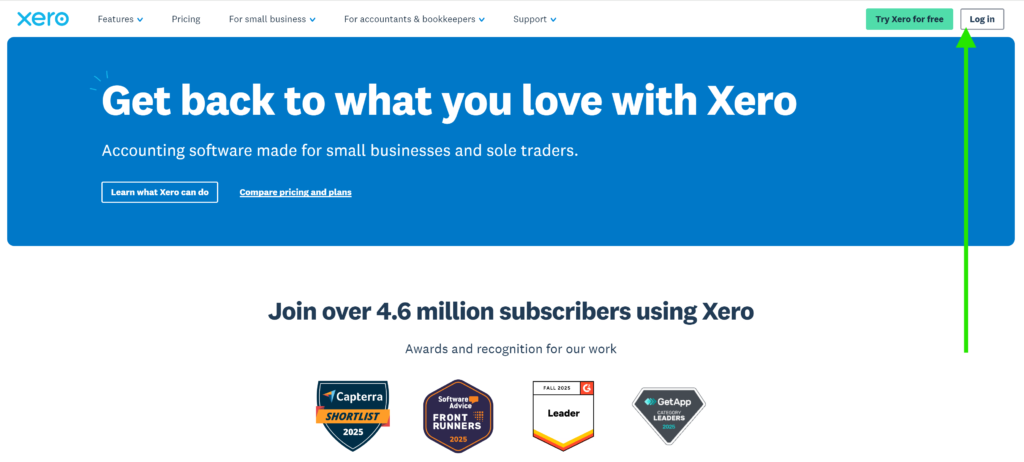
Xero is a cloud-based accounting platform built for small and medium-sized businesses. It handles invoicing, bank reconciliation, expense tracking, cash flow forecasting, and reporting — all from a single dashboard you can access from any device.
A few things that set Xero apart from competitors:
- Unlimited users on every plan — no per-user fees, ever
- 1,000+ app integrations via the Xero App Store
- Real-time bank feeds with automatic reconciliation (beta on Growing and Established)
- W-9 and 1099 management built into all plans (US-specific)
- Hubdoc included on all plans for receipt and bill capture
- ISO/IEC 27001:2022 certified for data security
Current Xero Deal: 95% Off for 6 Months (March 2026)
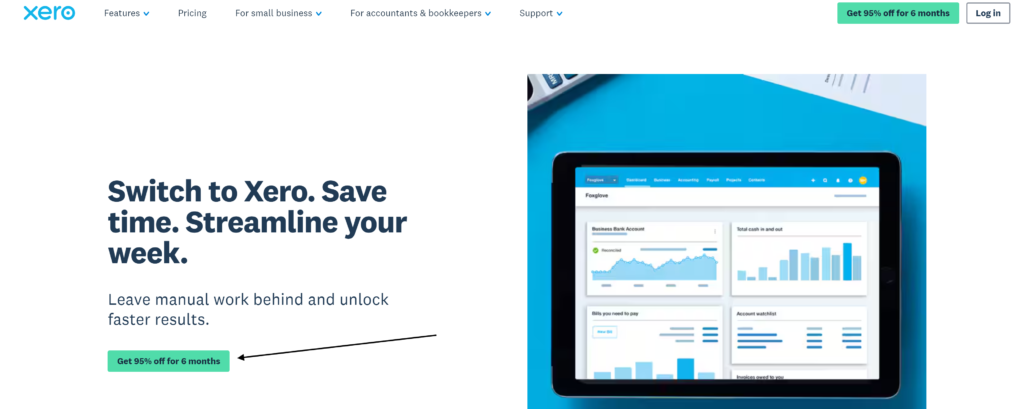
Xero is currently running its biggest discount for new US customers. Here’s exactly how it works:
- 95% off the regular price for the first 6 months
- Only available to new customers purchasing their first organization on xero.com
- Offer expires at 11:59pm PDT on 31 March 2026
- Applies to Early, Growing, and Established base plans
- After 6 months, regular pricing resumes and auto-renews monthly
⚠ Important Note: This deal does NOT apply to payment processing fees, payroll add-ons, or third-party app costs. It only covers the base subscription price.
Xero Plans: Pricing at a Glance
- Early$3.75Per MonthBest for: Freelancers, sole traders, new businesses✓ Up to 20 invoices/quotes per month✓ Up to 5 bills per month✓ Bank reconciliation✓ Hubdoc (receipt capture)✓ W-9 + 1099 management✓ Sales tax✓ 30-day cash flow forecast✓ Basic performance graphs✗ Unlimited invoices/bills✗ Custom dashboards✗ Multi-currency
- Growing$8.25Per MonthBest for: Growing small businesses with regular transactions✓ Unlimited invoices and quotes✓ Unlimited bills✓ Auto-reconcile (Beta)✓ Hubdoc included✓ W-9 + 1099 management✓ Custom performance dashboards✓ Financial health scorecards✓ 30-day cash flow forecast✗ Multi-currency✗ Expense claims✗ Project trackingPOPULAR
- Established$13.50Per MonthBest for: Scaling businesses, global teams, agencies✓ Everything in Growing✓ Multi-currency transactions✓ Expense claims✓ Project tracking✓ KPI analysis and ratios✓ 180-day cash flow forecast✓ Auto-reconcile (Beta)✓ Advanced analytics✓ Inventory Plus (optional add-on)
📌 Plan Name ClarificationIn: The US, Xero’s plans are called Early, Growing, and Established. You may see “Starter,” “Standard,” and “Premium” in other articles — those are the names used in non-US regions (UK, AU, NZ). They refer to different editions with different pricing.
Full Feature Comparison Table
| Feature | Early ($25/mo) | Growing ($55/mo) | Established ($90/mo) |
|---|---|---|---|
| Invoices & quotes | 20/month limit | Unlimited | Unlimited |
| Bills | 5/month limit | Unlimited | Unlimited |
| Bank reconciliation | ✓ | ✓ Auto (Beta) | ✓ Auto (Beta) |
| Hubdoc (receipt capture) | ✓ | ✓ | ✓ |
| W-9 + 1099 management | ✓ | ✓ | ✓ |
| Sales tax | ✓ | ✓ | ✓ |
| Accept online payments | ✓ (fees apply) | ✓ (fees apply) | ✓ (fees apply) |
| Performance graphs | Basic | Full | Full |
| Custom dashboards | ✗ | ✓ | ✓ |
| Financial health scorecards | ✗ | ✓ | ✓ |
| Cash flow forecast | 30 days | 30 days | 180 days |
| Multi-currency | ✗ | ✗ | ✓ |
| Project tracking | ✗ | ✗ | ✓ |
| Expense claims | ✗ | ✗ | ✓ |
| KPI analysis & ratios | ✗ | ✗ | ✓ |
| Inventory Plus | ✗ | Optional add-on | Optional add-on |
| Unlimited users | ✓ | ✓ | ✓ |
| Mobile app | ✓ | ✓ | ✓ |
Which Plan Is Right for You?
Here’s a simple way to decide based on what your business actually does:
Early — $25/mo
- Freelancers with few clients
- Sole traders just starting out
- Businesses sending under 20 invoices/month
- Side hustles or part-time businesses
- Self-employed contractors
Growing — $55/mo
- Small businesses with regular invoicing
- Businesses with multiple suppliers/bills
- Teams needing dashboard visibility
- eCommerce stores
- Service businesses scaling up
Established — $90/mo
- Businesses with overseas clients
- Agencies tracking project profitability
- Companies managing employee expenses
- Businesses needing 180-day cash forecasting
- Multi-currency eCommerce sellers
Xero Add-On Costs (2026)
Xero’s base plans cover core accounting. Certain features cost extra — here’s what to know before you budget:
| Add-On | Cost | What It Adds | Plans Available |
|---|---|---|---|
| Gusto Payroll | $49/mo base + $6/employee | Pay runs, tax filing, employee portal, benefits | All plans |
| Xero Projects | ~$7/user/mo | Time tracking, job costing, project profitability | Established only |
| Xero Expenses | ~$4/user/mo | Expense claims, receipt capture, mileage | Established only |
| Inventory Plus | Varies (first month free) | Advanced inventory tracking | Growing + Established |
| Hubdoc | Included | Receipt scanning, document automation | All plans |
| Online invoice payments | Payment fees apply | Let customers pay invoices online via Stripe | All plans |
| Online bill payments | Payment fees apply | Pay supplier bills directly from Xero | All plans (optional) |
💡 Payroll ExampleA business with 5 employees using Gusto via Xero would pay: $49 base + (5 × $6) =$79/month for payroll, on top of their Xero subscription.
The Unlimited Users Advantage
One of Xero’s biggest selling points is something most competitors charge extra for — unlimited users on every plan at no additional cost. This means your accountant, bookkeeper, business partner, and entire team can all log in without bumping up your monthly bill.
Compare that to QuickBooks, which charges per user on most plans, or FreshBooks, which limits users on lower tiers. For growing teams, this single feature can save hundreds of dollars per year.
Xero Pricing by Country (2026)
Xero’s plan names and pricing differ by region. Here’s a quick reference:
| Region | Starter / Early | Standard / Growing | Premium / Established |
|---|---|---|---|
| 🇺🇸 US | $25/mo | $55/mo | $90/mo |
| 🇬🇧 UK | £14/mo | £28/mo | £36/mo |
| 🇦🇺 Australia | $29 AUD/mo | $59 AUD/mo | $76 AUD/mo |
| 🇳🇿 New Zealand | $31 NZD/mo | $66 NZD/mo | $84 NZD/mo |
| 🇨🇦 Canada | $18 CAD/mo | $45 CAD/mo | $58 CAD/mo |
Xero Pros and Cons
- Unlimited users on all plans
- Clean, beginner-friendly interface
- Strong bank reconciliation
- 1,000+ app integrations
- Hubdoc included on all plans
- ISO 27001 security certified
- No long-term contracts — monthly billing
- Free 30-day trial + 1 free month on signup
- Early plan limited to 20 invoices/5 bills
- No built-in phone support
- Payroll requires Gusto (extra cost)
- Expense claims only on Established
- Multi-currency only on Established
- Pricing has increased for existing customers
Free Trial: How It Works
Xero offers two ways to try before you buy:
- 30-day free trial — full access to all features, no credit card required. You can create multiple trial organizations.
- 1 free month — when you purchase any plan, your first month is free. The free month starts after you complete your business setup in Xero, so you don’t lose days during the onboarding process.
You’ll get a 7-day reminder before your free month ends. After that, you’re billed monthly until you cancel.
Frequently Asked Questions
What are Xero’s plan names in the US?
In the US, Xero’s plans are called Early ($25/mo), Growing ($55/mo), and Established ($90/mo). Other regions use different names — Starter, Standard, and Premium — so be careful when reading non-US reviews.
Does Xero charge per user?
No. All Xero plans include unlimited users at no extra cost. This is one of Xero’s biggest differentiators compared to QuickBooks and FreshBooks.
Is there a free version of Xero?
No, Xero does not have a permanently free plan. However, there is a free 30-day trial and a free first month when you buy any paid plan.
Does Xero include payroll?
Not directly. In the US, Xero partners with Gusto for payroll. It’s a separate add-on starting at $49/month base fee plus $6 per employee per month.
Can I cancel Xero at any time?
Yes. Xero subscriptions are monthly with no long-term contracts. You can cancel at any time. There are no prorated refunds for partial months — your access continues until the end of the billing period.
Is Xero cheaper than QuickBooks?
For most small businesses, yes — especially because Xero includes unlimited users. QuickBooks charges per user beyond the account owner, which adds up quickly for teams. QuickBooks Simple Start starts at $30/mo for one user; Xero’s Early plan is $25/mo for unlimited users.
